In the previous article i have explained, Installation of WADK in MCM server which helps user by providing multiple tools to keep safe your data and in this article we will deep dive installation of Windows PE in the MCM server and its severity of requirement.
This is Lightweight version type of windows which usually use for troubleshooting, deployment, recovery. This is not actually full windows OS but a minimal version which allow me to boot a computer, start the installation and access the disks inside that computer. This use is Task Sequence to deploy the customized version of Windows OS. This includes controllers for network and storage including drivers for the network to achieve the installation of the OS in multiple vendor hardware.it can also repair systems, recovery and diagnosis of the files.
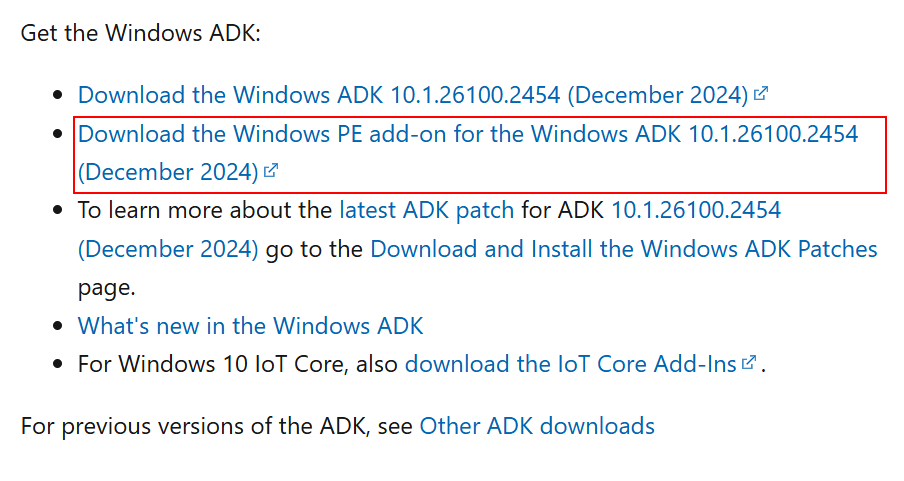
Download the Windows PE Kit from the Windows site December release or any new release available in the site, right click on adkwinpesetup and Open
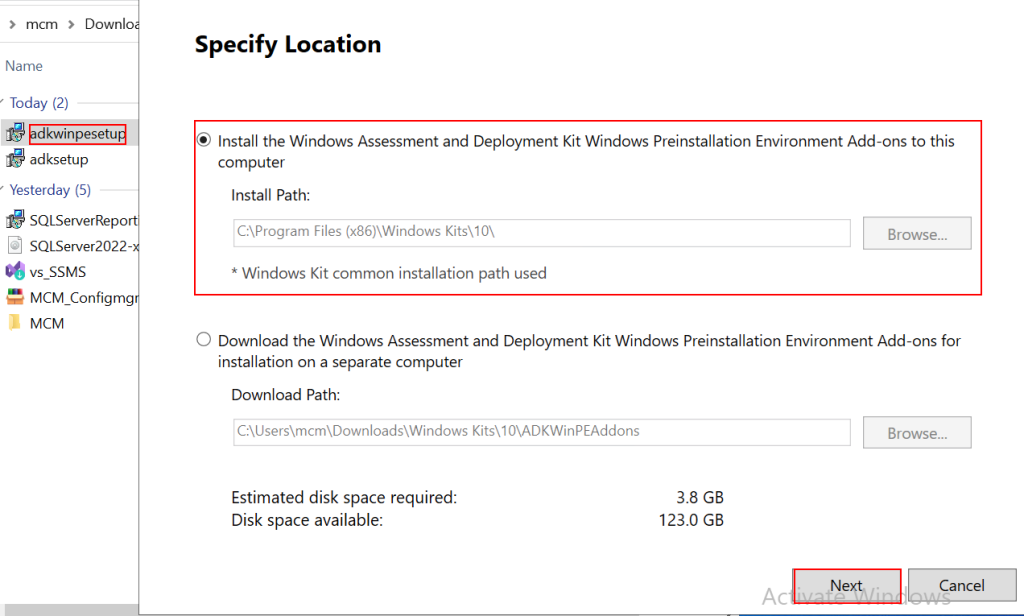
Open this file and choose “Install the Windows Assessment and Deployment Kit Windows Preinstallation Environment Add-ons to this computer“. Select your Drive letter and Click on Next.
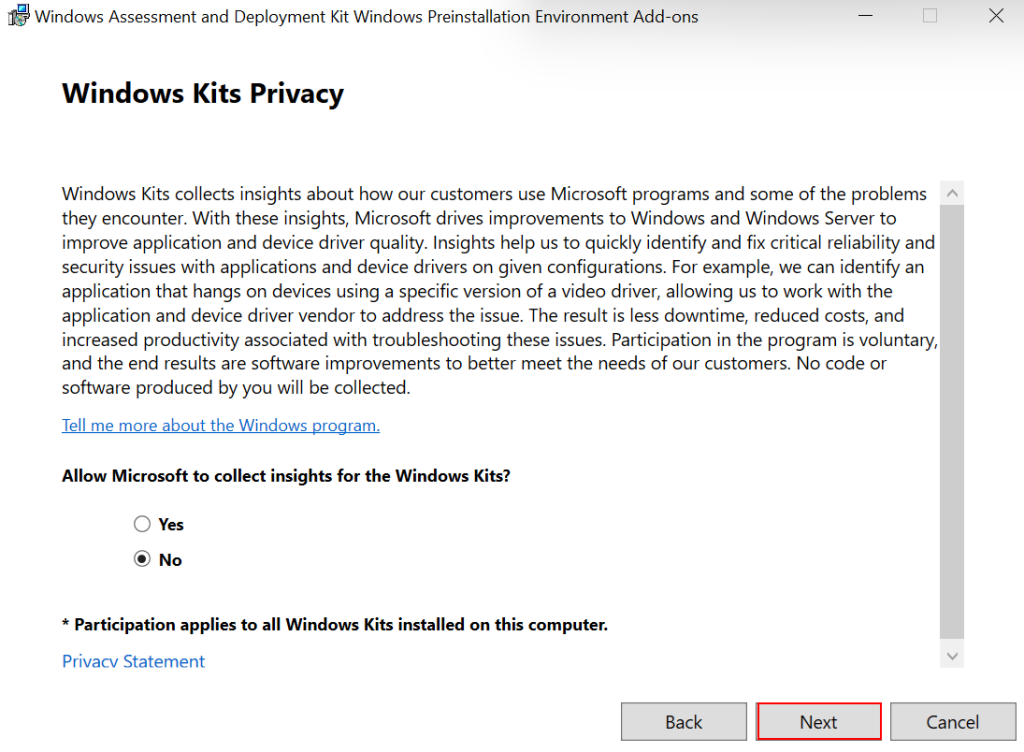
Here Windows Kits Privacy Page. i don’t want to send insights to Microsoft from this computer using tool Kit, so i will select No and click on Next button.
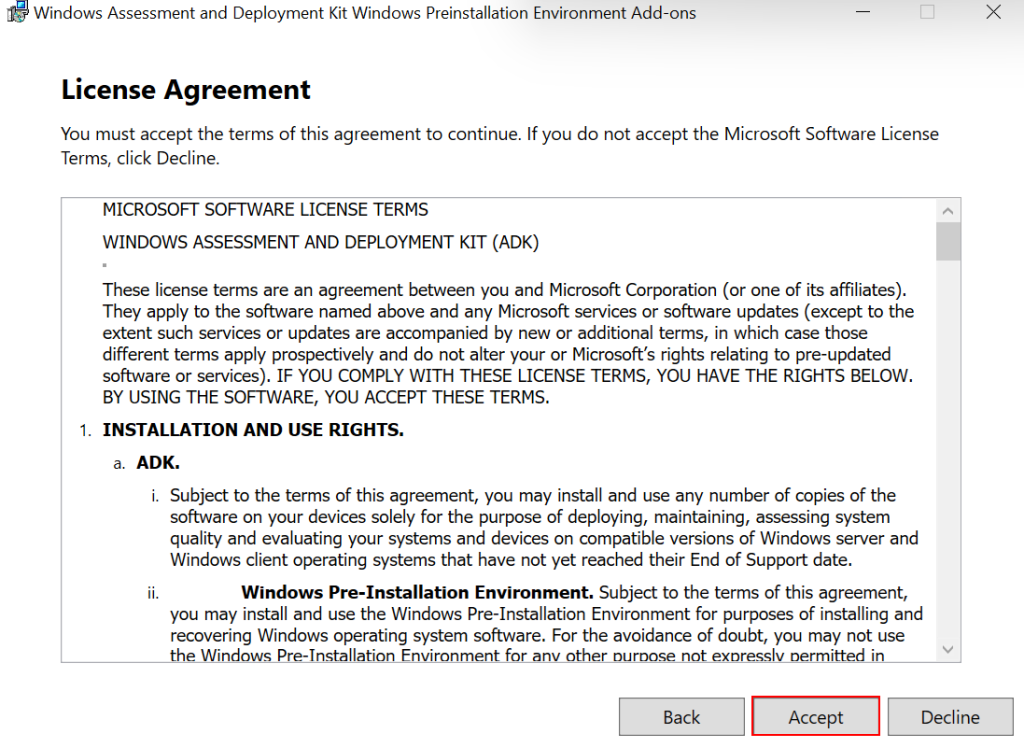
Agree the License Agreement and accept this.
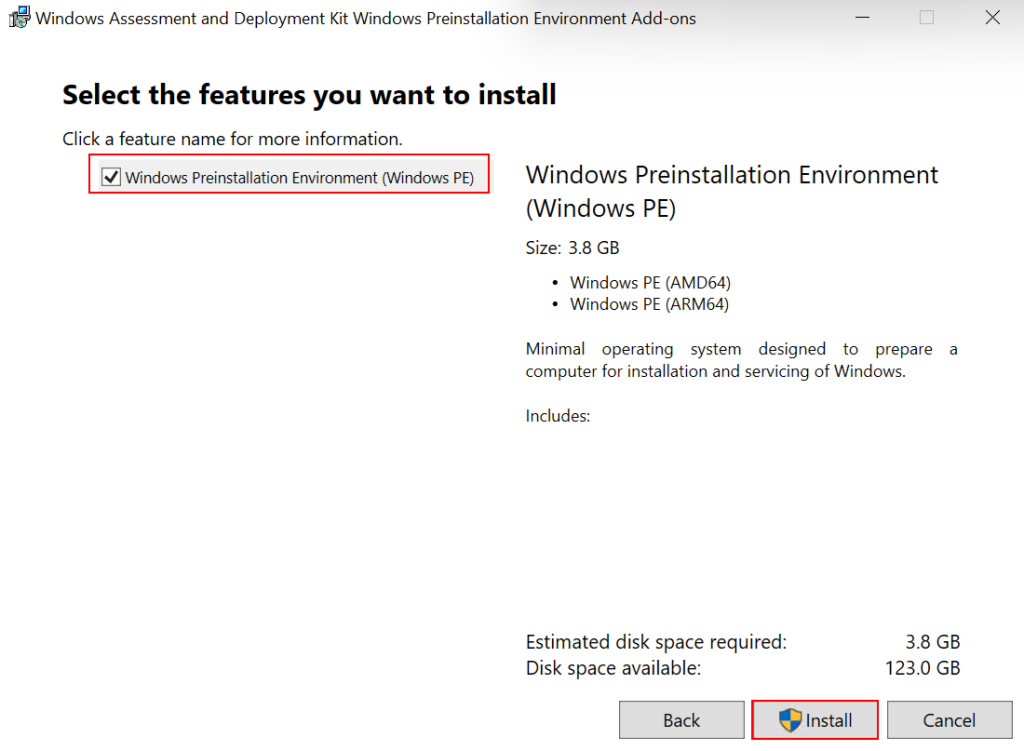
In this you will see only “Windows Preinstallation Environment (Windows PE)”. Select the tool and click on install. As this is the minimal version of windows it contains large data size within it. in my environment this is more than 3 GB of space required to install. choose Install
Installation is complete and successful.
Conclusion:
In this article you have i have explained the reason of installing Windows PE and all the necessary steps for the installation. In the next article i will be explaining steps for Install and Configure WSUS in MCM server.